
Teaching Council Provides Free Access to Educational Journals
From 1 September 2013, the Teaching Council is providing all registered teachers with free access to the EBSCO Education Source package. The facility is being introduced on a pilot basis for one year. EBSCO Education Source is a collection of over 1,700 journals, a selection of eBooks and additional research resources the field of education. read more…
RDS Primary Science Fair Entries Open
 As the new school term begins the RDS Foundation has announced its call for entries for the 2014 RDS Primary Science Fair. The Fair is a great way to integrate science and maths in the classroom, as the focus of the Fair is on the development of pupils’ scientific skills through the investigation of a question or problem. Feedback to the organisers from teachers who have been involved in the Fair is that pupils can also develop their literacy, oral language and numeracy skills through the process of their scientific investigation. read more…

Colour Posters
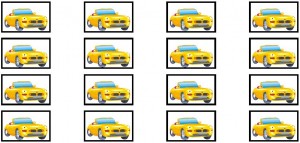
Car Tokens

Dinosaur Tokens
Bear Tokens
Seamus Heaney and the Teaching Connection
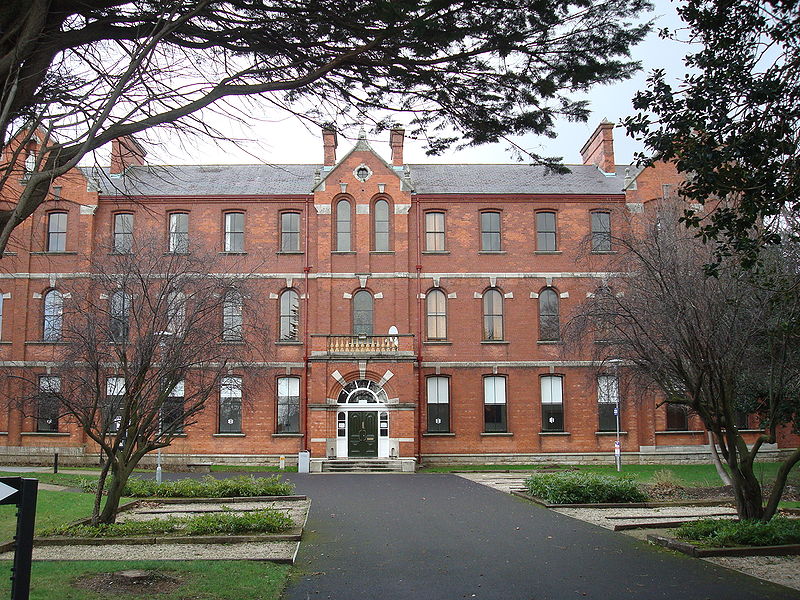 The passing of poet and Nobel Laureate Seamus Heaney on Friday will have had a certain resonance with a particular cohort of primary teachers in Ireland. Many younger teachers may be unaware of the fact that Heaney was involved in the education of undergraduate teachers as a lecturer of English in Carysfort College of Education in the 1970s and early 1980s. Those undergraduates, whose chosen academic subject was English, were lucky enough to have the emerging poet as one of their lecturers and I know that many of them will have fond memories of their time spent with him in Carysfort. read more…

Guest Post: Creating Authors With Booksmart
 What are the greatest aspirations you might have for your students in the various subject areas? From your maths class you might like a mathematician. From SESE, you might hope for a scientist, historian or geologist. From PE, an Olympian. From Visual Arts, a sculptor. And so on. But what might be your greatest aspiration for a student from your English class? Perhaps an author? read more…
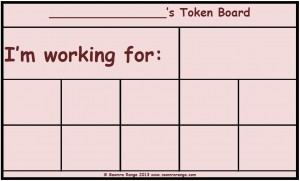
Token Board 02
Numeracy Toolkit
Donal Horgan from Áiseanna.com contacted me to let teachers know about a new maths product which he has just released. Áiseanna is the same company which developed the Maths Tracker CDs. This new product, Numeracy Toolkit, is a computer programme designed to improve numeracy skills in the number range 1-100. While the programme will be of particular benefit to pupils in the age range six to ten who are in the process of broadening their knowledge of number in this range, read more…