
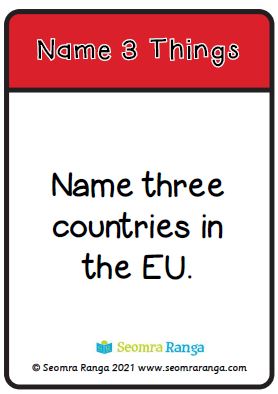
Name Three Things 03
 These oral language task cards could be done with pupils probably in the middle/senior classes. The cards are intended to be used as a fun game/task to develop vocabulary and oral language. There are 50 cards in the pack, four per A4 page.
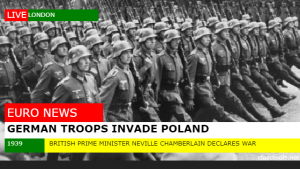
Breaking News Generator
The Breaking News Generator is one of the many applications on the ClassTools.net website. It is a really easy application to use and can be used to enhance and illustrate so many different areas of the curriculum. It could be used as a response to a class novel, to illustrate a historical event or to illustrate a current news item. read more…
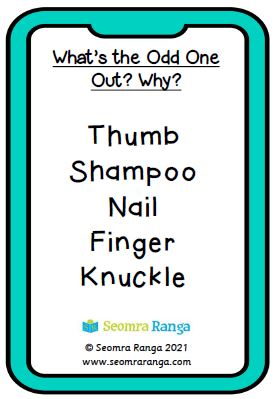
Odd One Out Cards 02
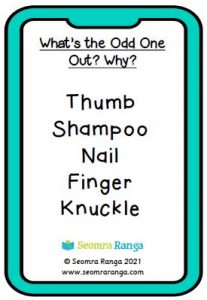 This new set of oral language Task Cards is aimed at pupils in junior/middle classes. The cards are intended to be used as a fun game/task to aid in the development of working memory and deduction skills. They also help with pupils’ understanding of categorisation. There are 50 cards in the pack, four per A4 page.
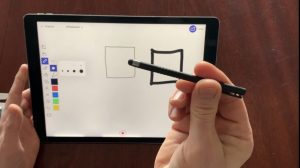
Which Stylus?
If you don’t want to go to the expense of buying an Apple Pencil for using on an iPad or other tablet, there are lots of other quite inexpensive options for a stylus for using on the screen. Using a stylus is much better than using your finger and opens up many other possibilities. read more…
Would You Rather 01
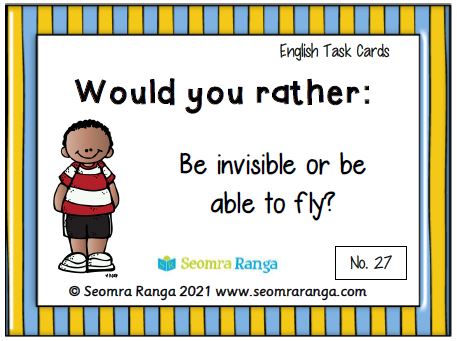
 This new set of English Task Cards is aimed at pupils of all ages. The cards are intended to be used as a fun game/task to develop vocabulary and to get the pupils engaged in a meaningful but fun oral activity. There are 50 cards in the pack, four per A4 page.

Odd One Out Cards 01
These oral language Task Cards are aimed at pupils in junior/middle classes. The cards are intended to be used as a fun game/task to aid in the development of working memory and deduction skills. They also help with pupils’ understanding of categorisation. There are 50 cards in the pack, four per A4 page.
Name Three Things 02
These oral language task cards could be done with pupils probably in the junior/middle classes. The cards are intended to be used as a fun game/task to develop vocabulary and oral language. There are 50 cards in the pack, four per A4 page.
Name Three Things 01
These oral language task cards could be done with pupils probably in the junior/middle classes. The cards are intended to be used as a fun game/task to develop vocabulary and oral language. There are 50 cards in the pack, four per A4 page.
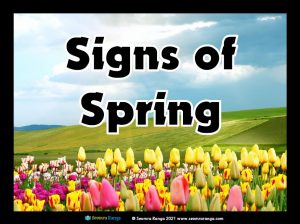
Signs of Spring Photo Pack
With the beginning of the season of Spring, teachers in junior classes especially will be discussing the theme of Spring with their pupils. This pack of thirty-three display photo posters will motivate pupils to talk about the signs of Spring that they see all around them and what to look out for over the coming months.
Share an iPad in a Live Zoom Lesson
This video shows how you can connect your iPhone/iPad to a live Zoom lesson and use any of your apps as they are mirrored to the participants. This opens up lots of great possibilities to show pupils educational apps like ebooks, maths games, oral language games or using a whiteboard app on the iPad for teaching. read more…